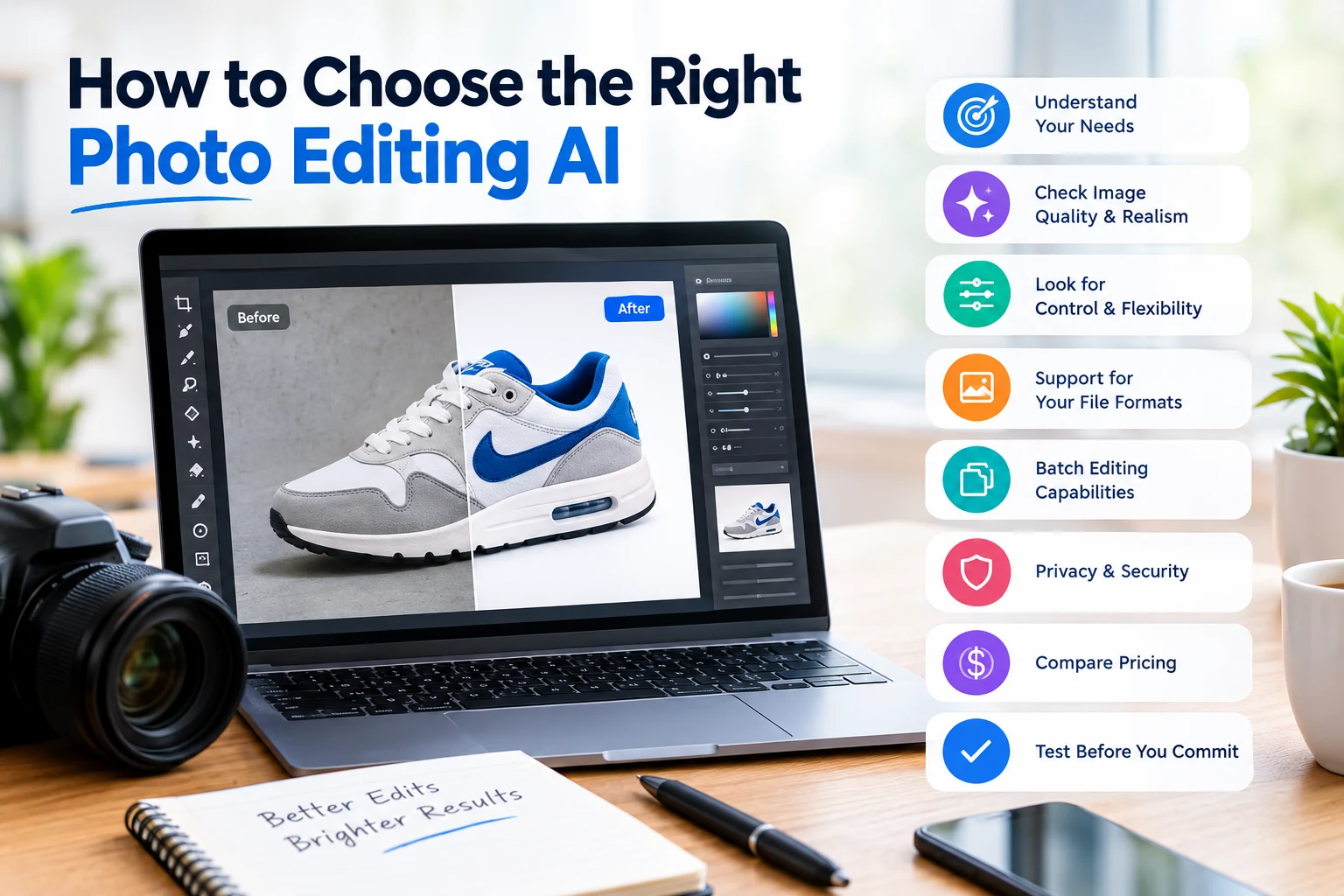
How to Choose the Right Photo Editing AI
- What type of photo editing do you need?
- Does the AI produce natural results?
- How much control does the tool provide?
- Can it handle your image quality?
- Is it suitable for batch editing?
- Does it work well with your type of photography?
- How easy is it to use?
- Does the AI preserve important details?
- What file formats does it support?
- Is your data safe?
- How much does it cost?
- Should you choose one AI tool or several?
- How should you test an AI photo editor?
- Final thoughts
AI photo editing tools have changed how photographers, eCommerce businesses, designers, and content creators edit images. Tasks that once took hours can now be completed in minutes.
But choosing the right AI photo editor can be difficult. There are many tools available, and each one focuses on different types of editing.
The right choice depends on what you want to edit, how much control you need, and the quality you expect from the final image.
What type of photo editing do you need?
Before choosing an AI photo editing tool, identify the type of work you do most often.
For example, you may need AI for:
- Background removal
- Object removal
- Image enhancement
- Portrait retouching
- Skin smoothing
- Color correction
- Product photo editing
- Image resizing
- Background replacement
- Noise reduction
- Sharpening
- Creative effects
A tool that works well for portrait enhancement may not be the best option for eCommerce product photography. Start with your most common editing task.
Does the AI produce natural results?
Good AI editing should improve an image without making it look artificial.
This is especially important for portraits and product photos. Excessive skin smoothing, strange textures, distorted objects, or unnatural colors can make an edited image look less professional.
Before choosing a tool, test it with several different images. Look closely at hair, skin, edges, shadows, textures, and small details.
How much control does the tool provide?
Some AI editors are designed to do almost everything automatically. Others give you more control over the final result.
If you need quick social media images, an automatic tool may be enough. Professional photographers and designers may prefer a tool that allows them to adjust the AI-generated result manually.
Look for features such as masks, layers, selection tools, opacity controls, and adjustable settings if detailed editing is important to you.
Can it handle your image quality?
Image quality is another important consideration.
Some AI tools work well with high-resolution images, while others may compress or resize your files. If you work with professional photography or ecommerce images, check whether the software supports your preferred resolution and file formats.
You should also check whether the tool preserves fine details such as product textures, jewelry, hair, fabric, and small text.
Is it suitable for batch editing?
If you regularly edit hundreds or thousands of images, batch processing can save a significant amount of time.
For example, an ecommerce business may need to remove backgrounds from hundreds of product photos. Processing each image individually may not be practical.
Look for AI tools that support batch processing, consistent settings, and automated workflows if you have a large volume of images.
Does it work well with your type of photography?
Different types of photography have different editing requirements.
A wedding photographer may need portrait enhancement and skin retouching. An ecommerce business may need background removal and product retouching. A real estate photographer may need image enhancement, sky replacement, and exposure adjustments.
Choose an AI tool based on your actual workflow rather than choosing one simply because it has many features.
How easy is it to use?
A powerful tool is not necessarily the best tool if it takes too long to learn.
If you are a beginner, look for a simple interface and clear controls. You should be able to import an image, apply an AI function, review the result, and make adjustments without unnecessary complexity.
Professional users may be comfortable with more advanced software because additional controls can provide greater flexibility.
Does the AI preserve important details?
AI sometimes makes mistakes when it has to identify complicated objects.
For example, hair, transparent products, jewelry, glass, thin wires, and complex edges can be difficult for automated editing systems.
Always zoom in and inspect the result before using an AI-edited image commercially. A background may look perfect at first glance but contain small unwanted areas around the subject.
What file formats does it support?
Check the input and output formats before choosing an AI photo editor.
Depending on your workflow, you may need support for formats such as JPEG, PNG, TIFF, PSD, or RAW.
Professional photographers should pay particular attention to RAW support and whether the software maintains enough image information for further editing.
Is your data safe?
When you upload photos to an online AI editor, your images may be processed on remote servers.
This makes privacy an important consideration, especially for commercial photography, client images, unreleased products, or personal photos.
Before uploading sensitive images, check the provider's privacy policy and understand how uploaded files are stored, processed, and deleted.
How much does it cost?
AI photo editing tools can use different pricing models. Some offer free features, while others charge monthly subscriptions, credits, or fees based on the number of images processed.
Consider your editing volume before choosing a plan.
A tool that seems inexpensive for occasional editing may become expensive if you process thousands of images every month. Calculate the cost based on your actual workflow.
Should you choose one AI tool or several?
You do not necessarily need to use only one AI photo editor.
Different tools can be useful for different tasks. For example, you might use one tool for background removal, another for portrait enhancement, and professional editing software for final adjustments.
The important thing is to create a workflow that gives you consistent results without unnecessary steps.
How should you test an AI photo editor?
Before committing to a tool, test it using your own images.
Choose several images with different challenges, such as:
- Simple backgrounds
- Complex backgrounds
- Hair and fine details
- Products with reflective surfaces
- Transparent objects
- Portraits
- Low-light images
- High-resolution product photos
Compare the original and edited versions at 100% zoom. Look at both the overall appearance and small details.
Final thoughts
Choosing the right photo editing AI is less about finding the tool with the most features and more about finding one that fits your workflow.
Consider editing quality, control, image resolution, batch processing, ease of use, file support, privacy, and pricing before making a decision.
Most importantly, test an AI editor with your own images before relying on it for professional work. The best tool is the one that consistently produces the results you need while saving you time.
Get more like this in your inbox
Practical guides on background removal, product photography, and AI — no spam.